Place a bundle anywhere
Where bundles appear on product pages, how to move them next to any element, and how to show one in a theme block or a page builder.
On this page
By default an active bundle appears above the buy buttons on every targeted product page, through the app embed. That works on most themes with no setup. Everything else is on the bundle's Placement tab.
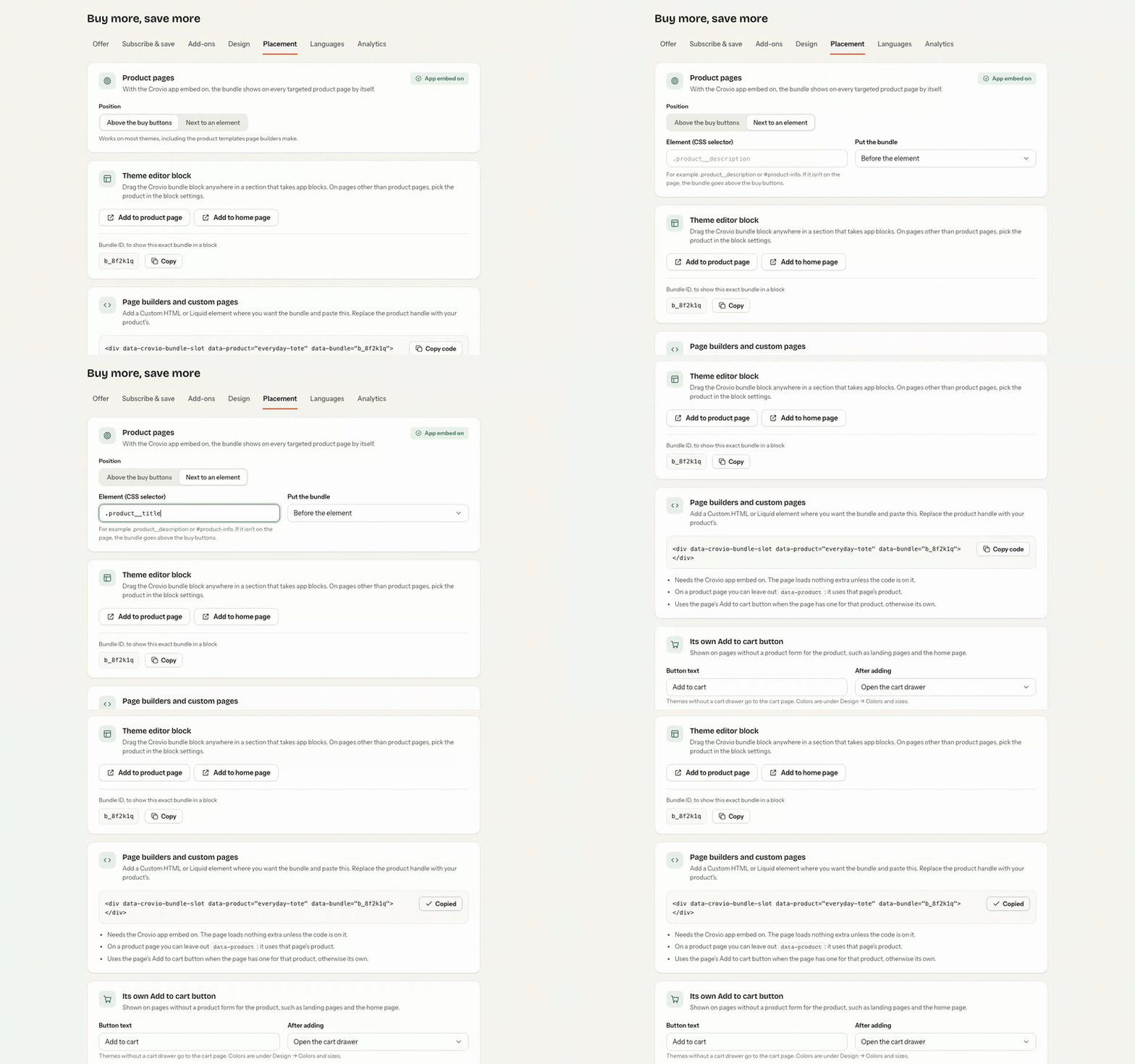
Next to an element
On product pages, set Position to Next to an element and enter a CSS selector (for example .product__title). Then choose Put the bundle: before the element, after it, or inside it at the top or bottom. Useful when the buy buttons aren't where the bundle should go.
The Crovio bundle block
Drag the Crovio bundle block anywhere in a section that takes app blocks:
- Click Add to product page (or Add to home page) on the Placement tab, or open Online Store → Themes → Customize.
- Click Add block → Apps → Crovio bundle and drag it where you want it. Save the theme.
- On pages other than product pages, pick the product in the block settings.
- To show one exact bundle, paste its Bundle ID (shown on the Placement tab) into the block.
Once placed, the block takes over from the automatic position on that page.
Page builders and custom pages
Add a Custom HTML or Liquid element where you want the bundle and paste the snippet from the Placement tab:
<div data-crovio-bundle-slot data-product="your-product-handle" data-bundle="BUNDLE_ID"></div>- Replace the product handle with your product's. On a product page you can leave out
data-product: it uses that page's product. - Leave out
data-bundleto show the bundle that targets the product. - It needs the Crovio app embed on. The page loads nothing extra unless the snippet is on it.
Its own Add to cart button
The bundle uses the page's Add to cart button when the page has one for that product. On pages without one (landing pages, the home page), it shows its own Add to cart button. Set its Button text and what happens After adding: open the cart drawer, go to the cart page or go to checkout. Its colours are under Design.
Check it on your store
Click View on store in the bundle editor to open a targeted product. If the widget doesn't appear, see Widget not showing.
Was this page helpful?