Create a subscription plan
Delivery frequencies with their own price, prepaid deliveries, products and commitments for a subscribe & save plan.
Go to Subscriptions → Plans, click New plan and name it. The plan has three tabs: Plan and pricing (frequencies, first-order offer, products, commitment), Widget design and Wording.
Frequencies and prices
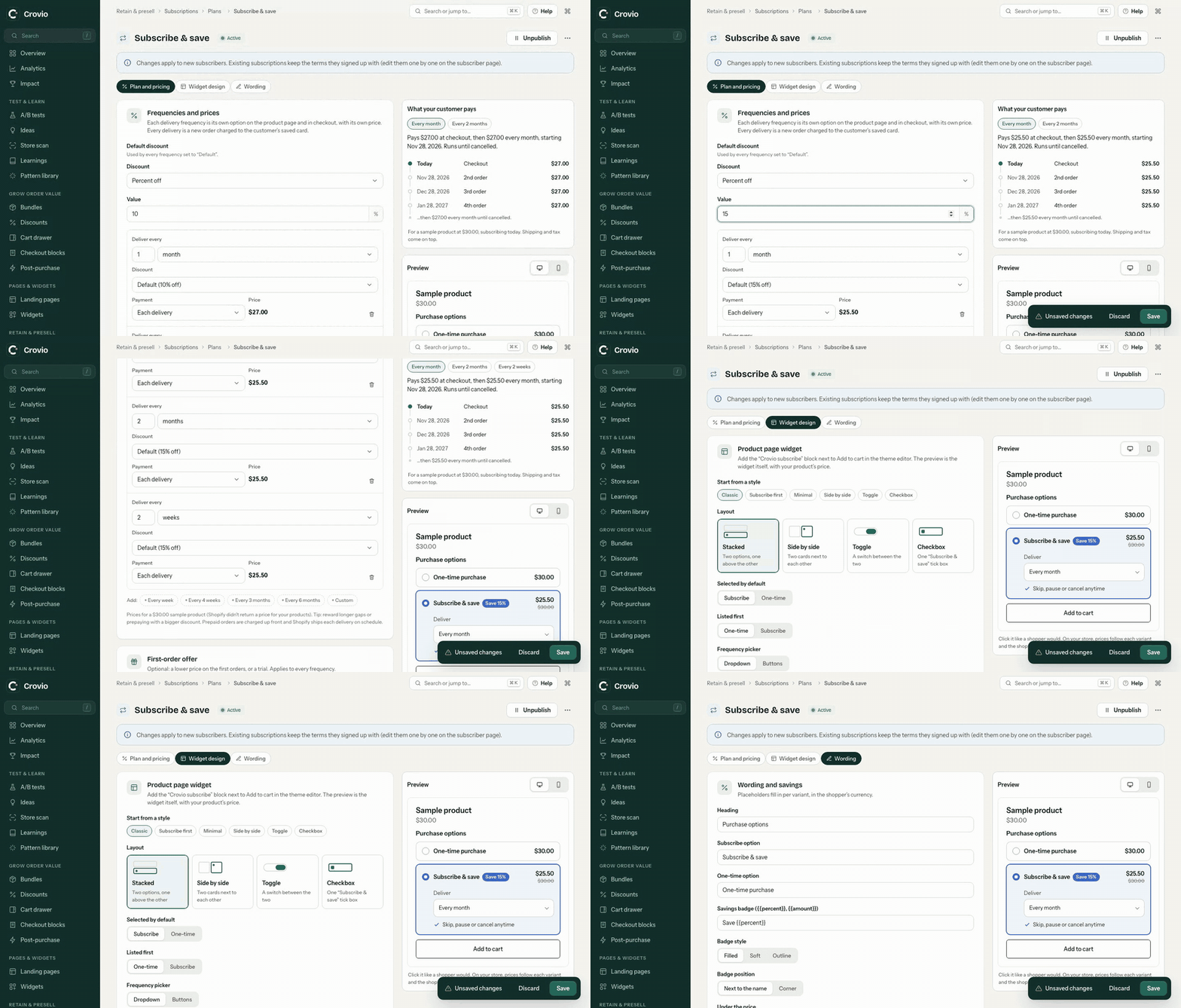
Each delivery frequency is its own option on the product page and in checkout, with its own price. Every delivery is a new order charged to the customer's saved card. Shoppers pick one frequency and can switch later in their account.
Add frequencies in one click (every week, 2 weeks, month, 2 months…) or with + Custom: any number of days, weeks, months or years. A plan can offer up to eight.
For each frequency choose:
- Discount: Default (the plan's Default discount), % off, Amount off, Fixed price or No discount. Reward longer gaps with a bigger discount, for example 10% monthly and 15% every 2 months.
- Payment: Each delivery, or Prepay 2, 3, 4, 6 or 12 deliveries. Prepaid orders are charged up front and Shopify ships each delivery on schedule.
The Default discount (no discount, percent off, amount off each item, or a fixed price per item) applies to every frequency set to Default. A fixed price gives every variant the same price, so use it for products whose variants cost the same.
Crovio saves these as Shopify selling plans, so checkout and every renewal charge exactly this. The table shows the price of each frequency with one of your products.
First order
Optionally make the first order special: a Discounted first order (for the first 1 to 12 orders) or a Trial period. Free trials and first-order offers.
Products
Add whole products, or single variants. The plan is offered on each of them.
Commitment (optional)
Without these, a subscription runs until the customer cancels. The checkout order counts as order 1.
- Minimum number of orders: customers can't cancel from their account before this. You can always cancel for them.
- End automatically after a number of orders, for a fixed programme like 6 monthly boxes. The subscription completes after the last order.
Design the Product page widget on the plan's Widget design and Wording tabs, then click Save & activate. Pause removes the plan from the storefront; existing subscribers keep their subscriptions.
Was this page helpful?